Modern Fleet Management Applications: Mobile-first Solutions Guide
- August 19
- 22 min



A fleet management database design is the structural foundation for a system that stores, organizes, and manages all data related to a fleet of vehicles. This includes everything from vehicle specifications and driver details to real-time GPS tracking and maintenance history. A well-designed database is essential for efficient fleet operations and great fleet management software.
This guide will explain the key components and best practices for creating a robust fleet management database. We will cover the core elements of the database, design principles for performance, and the direct benefits to your business. This information will help you build a solid foundation for data-driven decisions and streamlined operations.
Key Takeaways
The database is the operational hub of any fleet management system. It processes and stores every piece of information, from a truck’s current location to a driver’s certification status. When this hub is poorly designed, the entire system suffers.
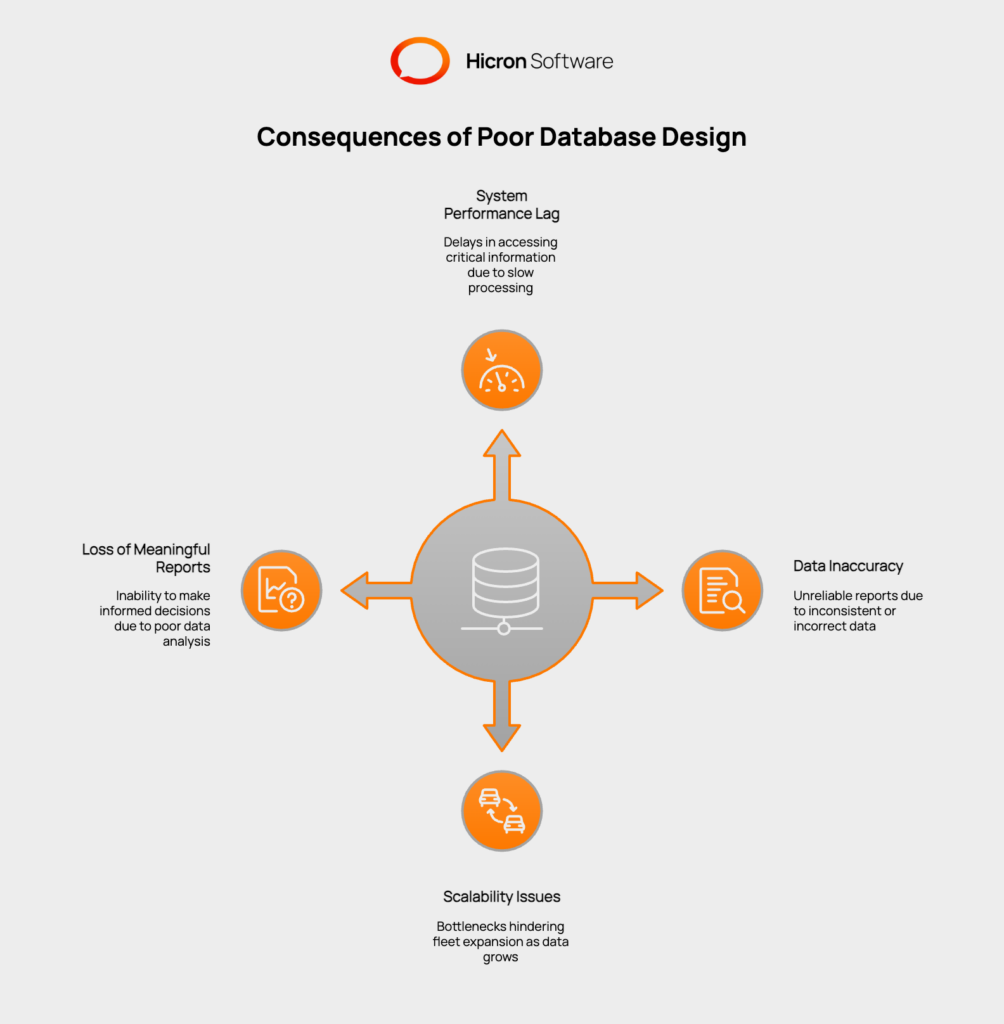
A flawed database can lead to several problems. System performance may lag, causing delays in accessing critical information. Data can become inaccurate or inconsistent, making reports unreliable. As your fleet grows, a poorly designed database will struggle to keep up, creating bottlenecks that hinder expansion. Ultimately, you lose the ability to generate meaningful reports, which are vital for making informed business decisions. A well-planned database for fleet operations ensures speed, accuracy, and scalability, directly impacting your bottom line.
A successful fleet management database design starts with breaking down information into logical groups, known as tables. Each table holds specific data, and they work together to create a complete picture of your fleet’s activities. Here are the essential tables you need.
|
Table Name |
Purpose |
Key Fields |
|
Vehicles |
Serves as the central registry for every vehicle in the fleet, holding static information that identifies and describes each asset. |
|
|
Drivers |
Manages all information related to drivers, linking them to their activities and assigned vehicles. |
|
|
TelematicsData |
Collects and stores the high-volume, real-time data stream from telematics devices installed in vehicles. |
|
|
MaintenanceLogs |
Tracks all maintenance and repair activities for each vehicle to ensure they are kept in top condition and to manage service costs. |
|
|
Trips |
Records the details of every journey, linking drivers and vehicles to specific routes for performance and efficiency analysis. |
|
This table is the central registry for every vehicle in your fleet. It holds static information that identifies and describes each asset. Key fields include a unique Vehicle ID, VIN, Make, Model, Year, License Plate, Fuel Type, Current Mileage, and its current Status (such as Active, In-Shop, or Decommissioned).
This table manages all information related to your drivers. It includes a unique Driver ID, Name, License Number, Contact Information, Hire Date, and any relevant Certifications. It also often contains a field to link a driver to their currently assigned vehicle, connecting it to the Vehicles table.
This is where your real-time data lives. This table collects a constant stream of information from the telematics devices installed in your vehicles. It typically includes a Log ID, Vehicle ID, Timestamp, Latitude, Longitude, Speed, Engine Status, and Fuel Level. Due to the high volume of data, this table requires careful planning.
Keeping vehicles in top condition is a priority, and this table tracks all service activities. It should contain a Log ID, Vehicle ID, the Date of service, the Type of service (like an oil change or tire rotation), a Description of the work done, the Cost, and the date or mileage for the Next Service Due.
This table records journey details. It links drivers and vehicles to specific routes. Fields include a Trip ID, Driver ID, Vehicle ID, Start and End Times, Start and End Locations, and the total Distance Traveled. This data is invaluable for analyzing efficiency and performance.
Building a high-performing database requires more than just creating tables. Following established design principles ensures your fleet management system architecture is efficient, reliable, and ready for the future.
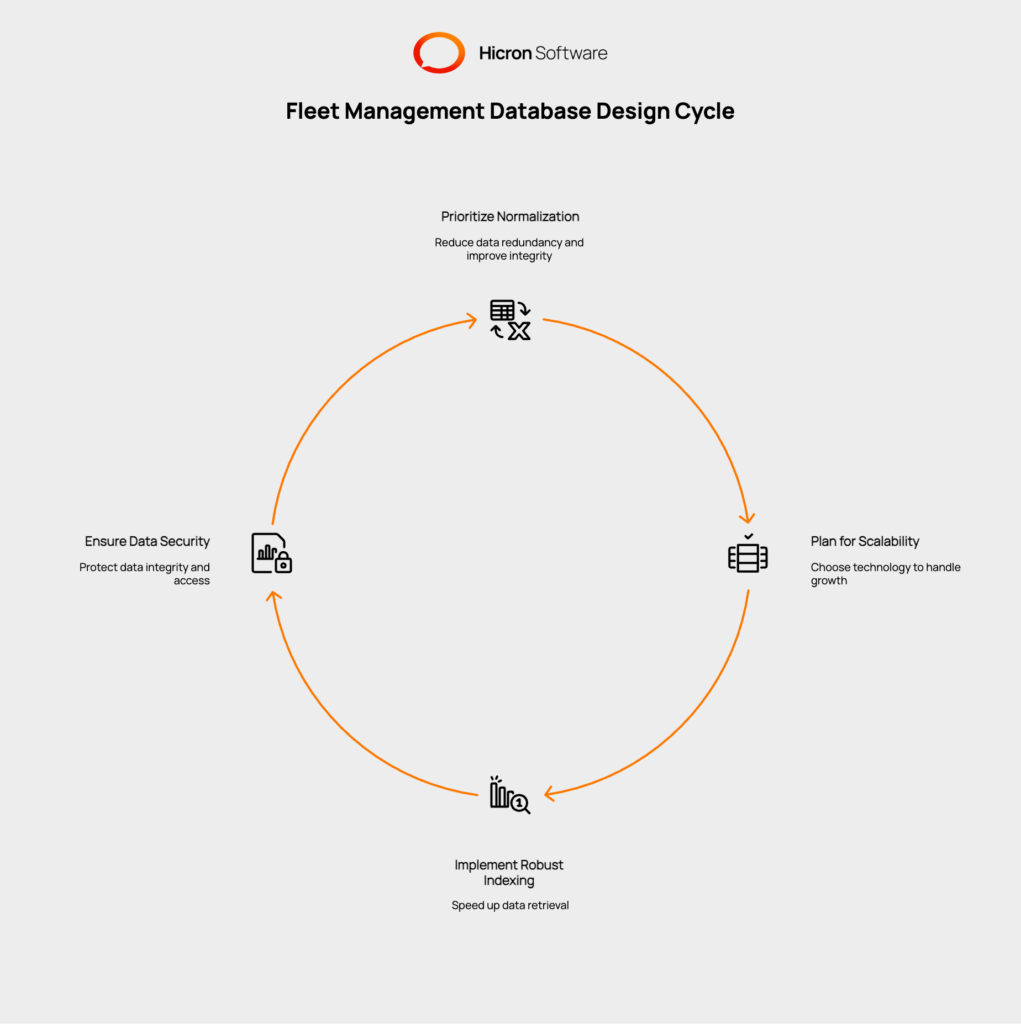
Prioritize Normalization
Database normalization is the process of organizing tables to reduce data redundancy and improve data integrity. In simple terms, it means you avoid storing the same piece of information in multiple places. For example, instead of writing a driver’s name in every trip log, you store the driver’s name once in the Drivers table and use a Driver ID to reference it in the Trips table. This practice keeps your data clean and consistent.
Plan for Scalability
Your fleet will likely grow, and your database must be able to grow with it. Planning for scalability means choosing the right technology and structure to handle more vehicles, drivers, and data points. Consider whether a traditional SQL database or a more flexible NoSQL database is a better fit for your needs, especially for handling large volumes of telematics data. A scalable fleet management system architecture prevents you from having to re-engineer your system as your business expands.
Implement Robust Indexing
Indexing is like creating an index for a book. It allows the database to find information much faster without scanning every single row. You should apply indexes to columns that are frequently used for searches, such as Vehicle ID or Timestamp. Proper indexing results in faster reports and real-time dashboards, giving you instant access to the information you need.
Ensure Data Security and Integrity
Protecting your data is crucial. Use constraints like Primary Keys and Foreign Keys to enforce relationships between tables and maintain consistency. Setting up user roles and access permissions is also important. This ensures that only authorized personnel can view or modify sensitive information, protecting data integrity and enhancing security.
Connecting technical design concepts to tangible business benefits shows the true value of a strong database. Here are a few examples of how a well-structured database for fleet operations can make a difference.
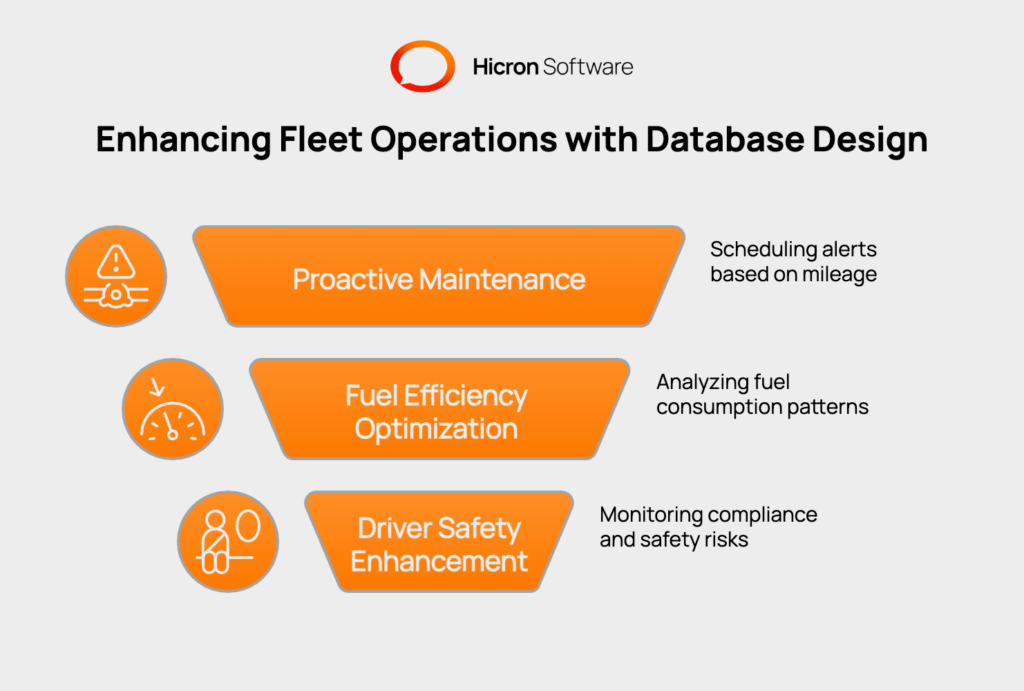
A well-organized database can automatically trigger maintenance alerts. By analyzing mileage data from the TelematicsData table and comparing it to the MaintenanceLogs, the system can notify managers when a vehicle is due for service. This proactive approach helps reduce unexpected breakdowns and extends the lifespan of your vehicles.
By combining data from the TelematicsData, Trips, and Drivers tables, managers can get a clear view of fuel consumption patterns. You can identify behaviors like excessive idling or speeding that waste fuel. With this information, you can provide targeted driver training and implement policies that help cut fuel costs across the fleet.
A proper database makes it easy to monitor and manage compliance. You can track driver hours to prevent fatigue, get alerts for expiring certifications, and analyze incident data to identify safety risks. This helps ensure your fleet adheres to regulations and improves overall safety scores.
A well-designed fleet management database is the backbone of successful fleet operations. By creating a logical, properly structured database, you ensure data accuracy, timely access to critical insights, and the scalability needed for future growth. This robust foundation supports every aspect of your operation, from vehicle maintenance scheduling and fuel efficiency improvements to driver safety monitoring and compliance management.
Taking the time and care to build your database using best practices.like normalization, thoughtful indexing, and solid security protocols.prepares your business for the challenges ahead. The right architecture allows teams to make smarter decisions faster, identify inefficiencies, reduce running costs, and stay compliant with industry regulations.
In today’s data-driven world, investing in fleet management database design is a strategic decision that pays real dividends. Now is the time to evaluate your current system and apply these proven techniques to propel your fleet toward greater efficiency and long-term success. If you’re ready to enhance your fleet’s operations, consult with experts who can help you implement a database design tailored to your specific needs.
A fleet management database is a structured collection of data that stores all information related to a fleet, including vehicle details, driver records, telematics data, maintenance history, and trip logs. It is the core component of any fleet management software.
Normalization is important because it reduces data redundancy and improves data integrity. By ensuring each piece of information is stored only once, it prevents inconsistencies and makes the database more efficient and easier to maintain.
SQL databases are structured and use tables, making them great for organized, relational data like vehicle and driver information. NoSQL databases are more flexible and can handle large volumes of unstructured data, making them a good choice for high-frequency telematics and GPS logs. Many modern systems use a hybrid approach.
A good database allows you to join data from multiple tables (telematics, trips, drivers) to analyze driver behavior. By identifying patterns like speeding or long idle times, managers can implement training or policies to reduce fuel waste and lower operational costs.
The first step is to identify all the information you need to track. Next, group that information into logical tables, such as Vehicles, Drivers, and Maintenance Logs. Finally, define the fields for each table and establish the relationships between them.
Hicron Software proved to be a trusted partner with unmatched technical expertise, delivering a scalable and user-friendly web application that was pivotal to our successful U.S. market expansion.

Hicron’s contributions have been vital in making our product ready for commercialization. Their commitment to excellence, innovative solutions, and flexible approach were key factors in our successful collaboration.
I wholeheartedly recommend Hicron to any organization seeking a strategic long-term partnership, reliable and skilled partner for their technological needs.

After carefully evaluating suppliers, we decided to try a new approach and start working with a near-shore software house. Cooperation with Hicron Software House was something different, and it turned out to be a great success that brought added value to our company.
With HICRON’s creative ideas and fresh perspective, we reached a new level of our core platform and achieved our business goals.
Many thanks for what you did so far; we are looking forward to more in future!

Hicron is a partner who has provided excellent software development services. Their talented software engineers have a strong focus on collaboration and quality. They have helped us in achieving our goals across our cloud platforms at a good pace, without compromising on the quality of our services. Our partnership is professional and solution-focused!

The IT system supporting the work of retail outlets is the foundation of our business. The ability to optimize and adapt it to the needs of all entities in the PSA Group is of strategic importance and we consider it a step into the future. This project is a huge challenge: not only for us in terms of organization, but also for our partners – including Hicron – in terms of adapting the system to the needs and business models of PSA. Cooperation with Hicron consultants, taking into account their competences in the field of programming and processes specific to the automotive sector, gave us many reasons to be satisfied.

