Building AI Deal Sourcing Tools for Real Estate Brokers Needs
- September 04
- 19 min


Large Language Models (LLMs) like GPT, Claude, and Gemini are everywhere, completely changing how we work and create. They are powerful, but using them for the first time can be frustrating. Ever feel like your chatbot is just… making things up? Or giving you boring, generic answers? You’re not alone!
Beginners often stumble into a few common “traps”. In this article, you will see how to skip the frustration and turn your chatbot into the powerful, creative partner it’s meant to be.
This is the big one. Have you ever asked for a specific fact, only for the AI to confidently give you something completely wrong? This is known as a hallucination.
Why does it happen? Your AI is a complex prediction machine, not a search engine or an encyclopedia. The AI is not searching for the answer – it’s generating one. Also, it is programmed to always respond to asked questions. When it deals with rare, specific, or “niche contexts” (like unknown historical data or specialized fantasy lore), it might confidently mash together a very believable but factually incorrect sentence.
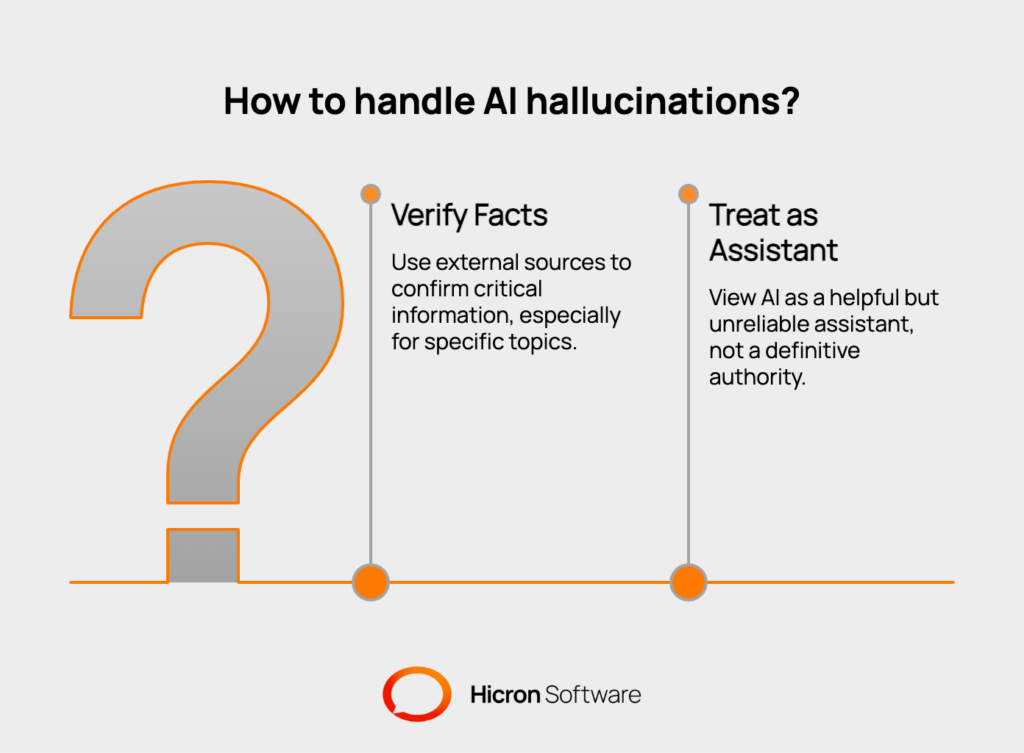
The Fix: The “Always Verify” Rule
Treat your LLM like a highly articulate, but slightly unreliable, research assistant — not a definitive authority.
This is the classic “garbage in, garbage out” problem. If your prompt is lacking in precision or incomplete, the answer will be generic, weak, and unhelpful. We call this weak prompting.
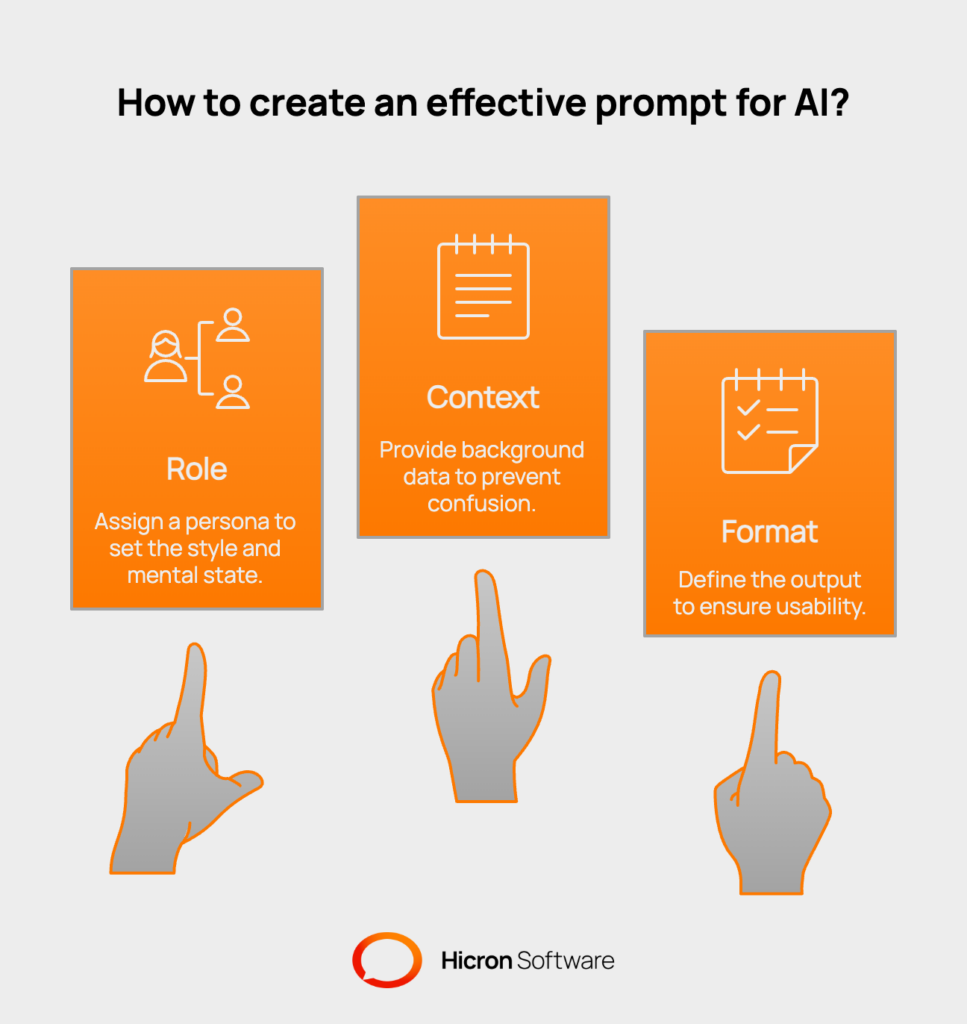
The Fix: The 3-Part Power Prompt
A successful prompt needs to give the AI enough detail to put on a specific “hat” and get to work. Think of it as “the recipe for a perfect prompt”.
Role (The Qualifying Step) — Assign a persona: tell the AI who it is.
Example: “Act as a senior HR specialist,” or “You are a witty comic book artist”. This sets the style and “mental state”.
Context (The Specific Step) — Give it the background data. Tell the AI what to use.
Example: “Summarize this Q4 budget report,” or “Base your response on the attached PDF”. This helps clear up confusion and prevents those annoying false hallucinations.
Format (The Complete Step) — Define the final output. Tell the AI how to deliver it.
Example: “Respond in a 3-bullet point list,” or “Create a markdown table with an assertive, polite tone”. This guarantees a final, usable result.
By combining these three elements, you push the AI from generic answers to highly creative and personalized outputs.
Even when you write a perfect prompt, there are a few less obvious things that can cause problems.
Your chatbot has a working memory (like an attention span) called the context window. Every single word, space, and piece of punctuation in the conversation — both yours and the AI’s — uses up this memory.
The Trap: After a long conversation, the memory fills up. The AI starts to “forget” the earliest parts of the chat, leading to missed instructions and a loss of clarity.
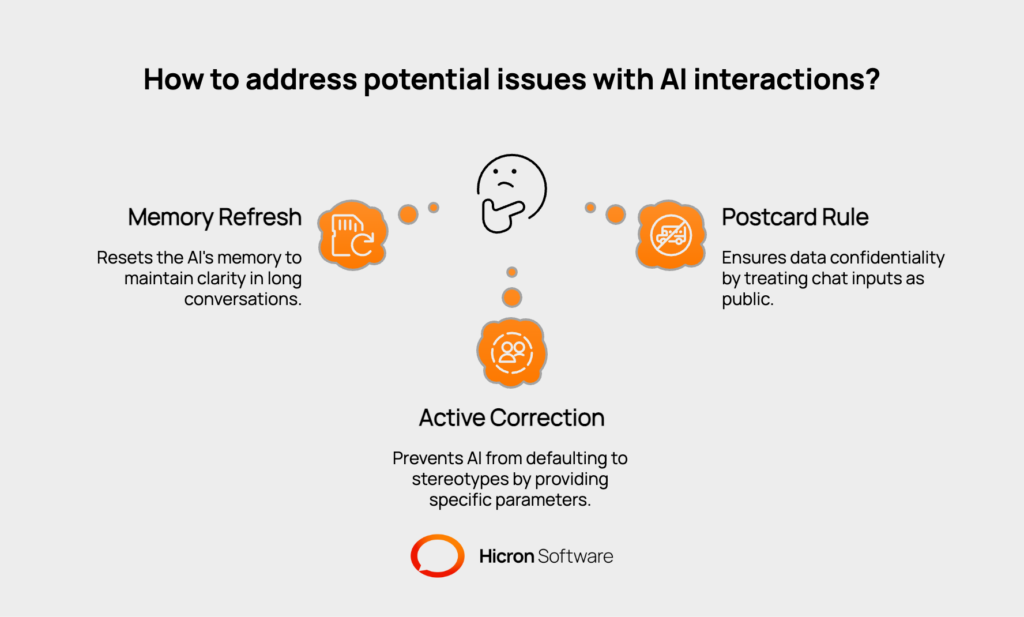
The Fix: Memory Refresh
For long or complex tasks, you need to “reset” the memory. Ask the AI to write a brief summary of everything you’ve discussed. Then start a brand-new chat thread and paste that summary as the initial context. This clears the old, expensive memory while keeping the essential information.
AI models learn from the massive amount of data created by humans. Unfortunately, they can also pick up and spread the biases that exist in that data.
The Trap: If you ask the AI to “Describe an experienced programmer,” it might default to a stereotypical image (e.g., a white, middle-aged male) because that’s what the data suggests is statistically common.
The Fix: Active Correction
Be aware of this tendency. If the AI defaults to a stereotype, you need to actively correct it by clearly defining the parameters. For example: “Describe a female programmer of Asian ethnicity”. This forces the model to think beyond the default setting.
Most companies say they won’t use your chat data for training, but entering sensitive information is always a risk.
The Trap: Data Leakage
Inputting sensitive corporate documents, NDA-protected material, or personally identifiable information into a public chat can be a direct security risk.
The Fix: The Postcard Rule
Treat the chat input box like an unsecured postcard. Everyone might be able to read it. Never submit confidential or publicly available data.
Mastering AI is about more than just asking questions. It’s about being a skilled user, a “Prompt Engineer”. Use this simple anti-trap protocol to get better answers every time:
You’ve just moved from being a passive user to becoming a skilled operator. It’s not about fighting the chatbot — it’s about understanding its rules. Remember these three core actions, and you will transform your results from frustratingly generic to incredibly precise and creative:
By following these simple steps, you gain more control over the model. Instead of frustration, you now hold the power. Go ahead — your new, more innovative, and more efficient work with AI begins today!
Hicron Software proved to be a trusted partner with unmatched technical expertise, delivering a scalable and user-friendly web application that was pivotal to our successful U.S. market expansion.

Hicron’s contributions have been vital in making our product ready for commercialization. Their commitment to excellence, innovative solutions, and flexible approach were key factors in our successful collaboration.
I wholeheartedly recommend Hicron to any organization seeking a strategic long-term partnership, reliable and skilled partner for their technological needs.

After carefully evaluating suppliers, we decided to try a new approach and start working with a near-shore software house. Cooperation with Hicron Software House was something different, and it turned out to be a great success that brought added value to our company.
With HICRON’s creative ideas and fresh perspective, we reached a new level of our core platform and achieved our business goals.
Many thanks for what you did so far; we are looking forward to more in future!

Hicron is a partner who has provided excellent software development services. Their talented software engineers have a strong focus on collaboration and quality. They have helped us in achieving our goals across our cloud platforms at a good pace, without compromising on the quality of our services. Our partnership is professional and solution-focused!

The IT system supporting the work of retail outlets is the foundation of our business. The ability to optimize and adapt it to the needs of all entities in the PSA Group is of strategic importance and we consider it a step into the future. This project is a huge challenge: not only for us in terms of organization, but also for our partners – including Hicron – in terms of adapting the system to the needs and business models of PSA. Cooperation with Hicron consultants, taking into account their competences in the field of programming and processes specific to the automotive sector, gave us many reasons to be satisfied.

